LocalFlow Voice Dictation
Dictation without the audience - your voice never leaves your Mac.
LocalFlow is fast
Smart Cleanup
LocalFlow is smart
LocalFlow comes with Smart Cleanup, a custom-built local LLM that formats and improves your transcript into something ready-to-use.
I've been, uh, working on a fix
Remove Filler Word
I've been working on a fix.
send it to tim three three at example site dot com
Email Formatting
Send it to tim33@examplesite.com
hey do you mind rescheduling our meeting for three thirty pm
Time Formatting
Hey, do you mind rescheduling our meeting for 3:30 PM?
grocery list number one milk number two eggs number three oats
List Formatting
Grocery list:
1. Milk
2. Eggs
3. Bananas
hello exclamation mark
Advanced Punctuation
Hello!
there are three hundred forty six issues
Number Formatting
There are 346 issues.


100% Local
No cloud.
Just fast & private
voice dictation
LocalFlow runs entirely on your Mac—so you can speak freely, knowing your voice never leaves your device.
Complete privacy
Works offline
Features
More reasons to love LocalFlow

Hola
Hej
Bonjour
Hej
Bonjour
Ciao
Hola
Hej
Bonjour
25+ languages (BETA)
More & more languages supported continuously!
Hotkey activation
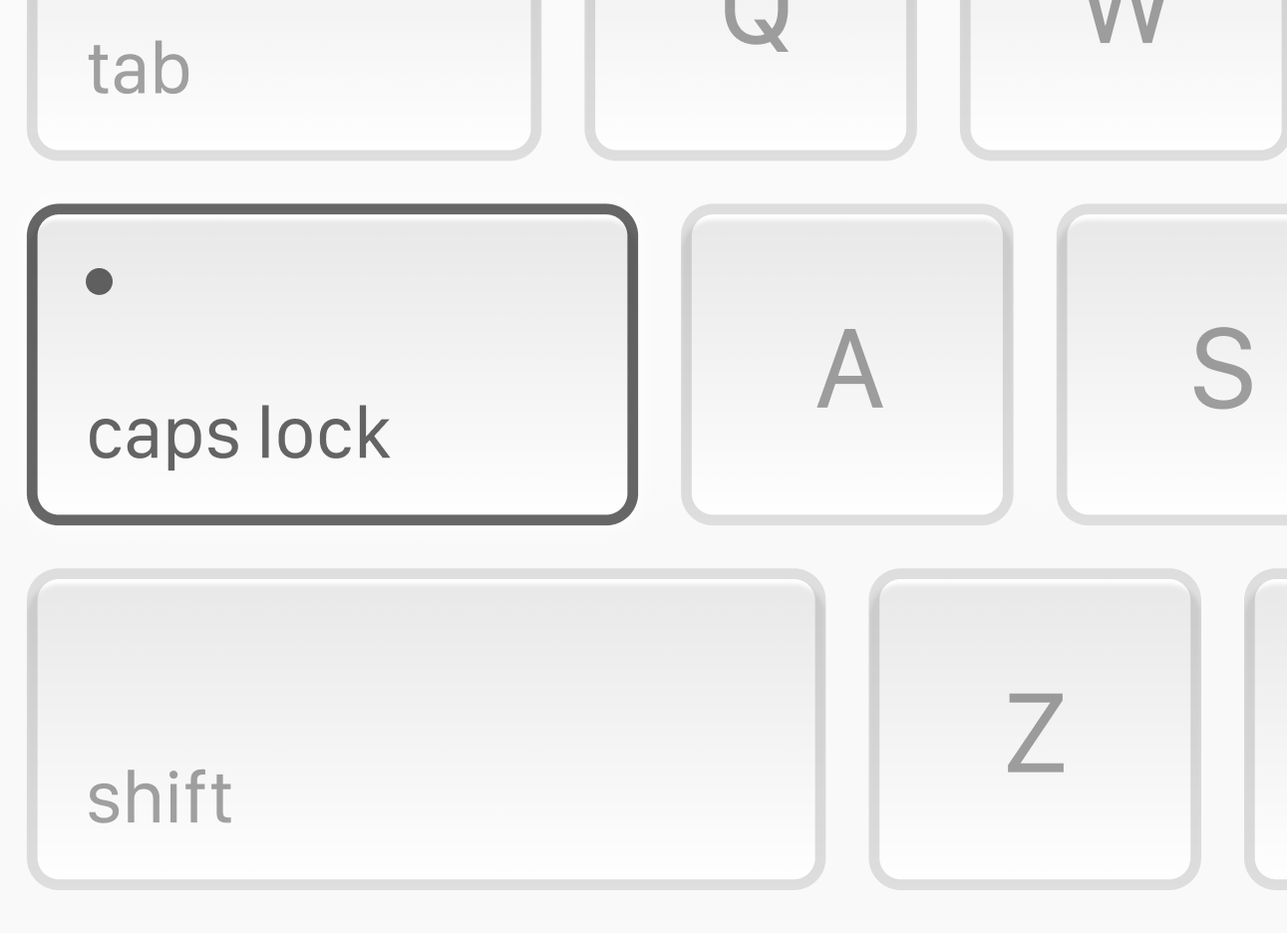
Press & hold caps lock to dictate, or double-tap for handsfree mode.
Light / dark mode
Built to work with your setup
Works in all apps and sites
Insert transcripts into any text field
Transcript history
View and manage past transcripts
FAQ
Can't find your question? Join our Discord 👾 to chat with the team.
Does it send my voice to the cloud?
How is LocalFlow different to Wispr Flow, SuperWhisper or Willow Voice?
How is LocalFlow different to Mac's native dictation?
Do I need an account?
Where can I use LocalFlow Voice Dictation?
Is there a dictation shortcut key?
Can I hide the handle at the edge of my screen?
Does LocalFlow come in dark and light mode?